

Book Cover Mockup
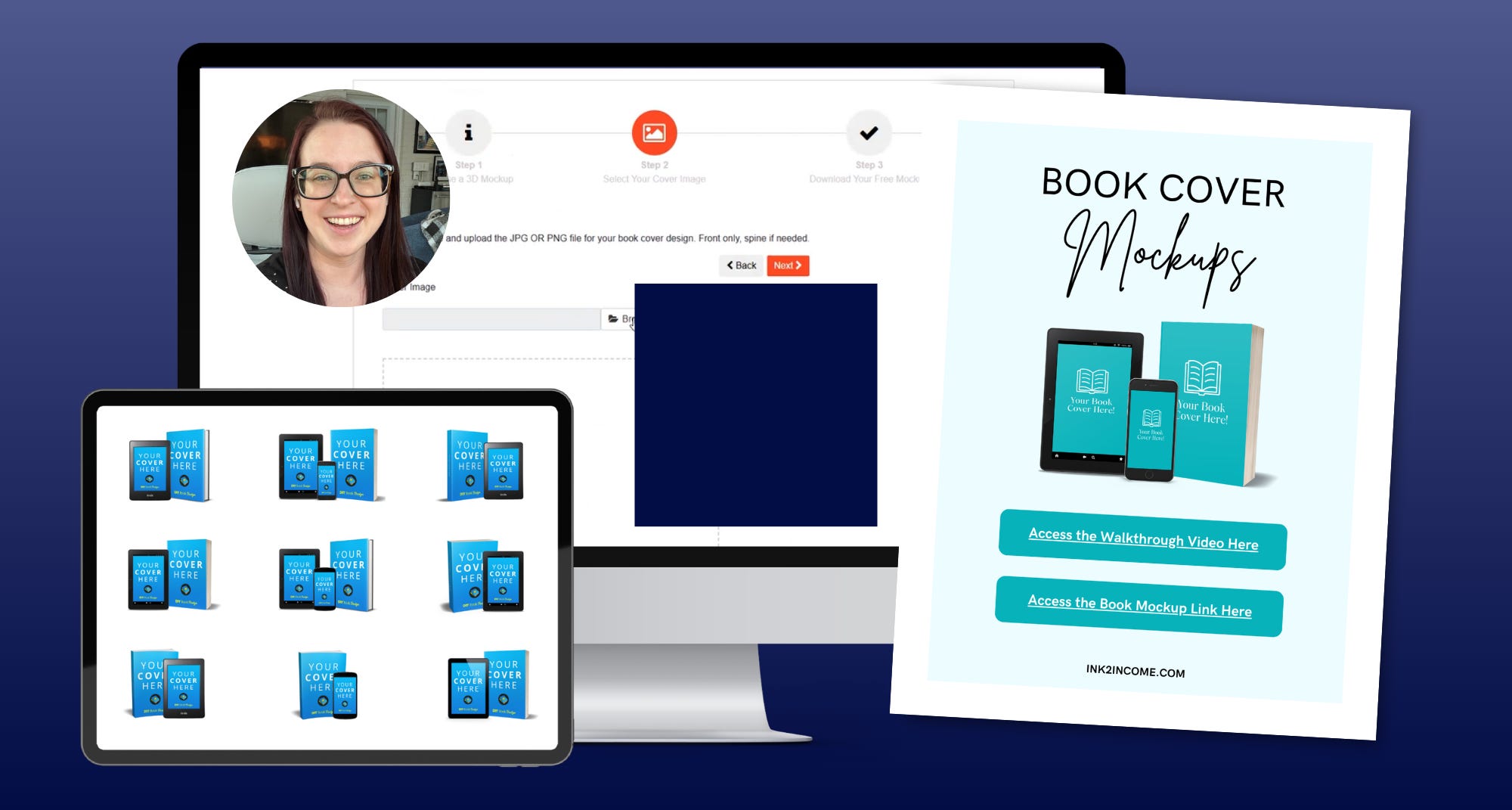
Instantly generate dozens of promotional images without touching design software

The 6 & 7-Figure Author Shortcuts Newsletter Is a Curation of Weekly Proven Systems, Templates, and Strategies to Turn Your Books Into Consistent, Scalable Income (Without Burnout Even if You’re Brand New)
Your shortcut to turning flat book covers into professional, scroll-stopping visuals—without hiring a designer or learning complicated tools.
It’s the exact process I use to create realistic book mockups (paperbacks, Kindle, phone, and more) in minutes—so my books instantly look more polished, clickable, and ready to sell.
Here’s everything you’ll learn inside the Book Cover Mockup Training:
Step-by-Step Mockup Walkthrough.
The exact process to upload your cover and turn it into a professional mockup—click by click, so you can follow along and create your own in minutes.
Single + Composite Mockup Creation.
How to generate individual book images or bundle multiple formats together (paperback, Kindle, phone) for high-converting visuals.
PNG vs JPEG Breakdown.
The simple difference most authors miss—and how choosing the right one instantly upgrades your graphics (transparent vs white background).
Instant Download System.
How to create and download your mockups fast—so you can start using them immediately in your marketing.
Canva Integration Method.
How to drop your mockups into Canva to create email graphics, social posts, ARC promos, and more (even if you’ve never used Canva before).
Your Book Image Library System.
The simple folder system I use to organize all my mockups—so you always have the right image ready (no digging, no recreating).
Real Marketing Use Cases.
Exactly how to use your mockups for email marketing, ARC teams, launch promos, and reader engagement—so your book actually gets seen.
Why this matters:
Most authors are promoting their books with flat, lifeless cover images.
Which means…
They blend in.
They get ignored.
They look like every other book scrolling past.
But when your book looks like a real product—something readers can picture holding, reading, and buying…
Everything changes.
More clicks.
More curiosity.
More reads.
And the best part?
You don’t need design skills.
You don’t need expensive software.
You don’t need to pay someone every time you want a new image.
Whether you’re:
Launching your first book
Building your ARC team
Sending emails to your list
Or just trying to make your book look more professional…
This is the fastest way to upgrade how your book shows up everywhere.
And because most authors overcomplicate this…
This training shows you the exact few steps that actually matter—so you can get results fast without turning this into another time-consuming task.
Ready to make your book look like something readers actually want?
Grab the training now and start creating professional book mockups in minutes.
Get instant access at a discount here: