

Canva Crash Course
A Creative Tool Even If You Suck at Designing

The 6 & 7-Figure Author Shortcuts Newsletter Is a Curation of Weekly Proven Systems, Templates, and Strategies to Turn Your Books Into Consistent, Scalable Income (Without Burnout Even if You’re Brand New)
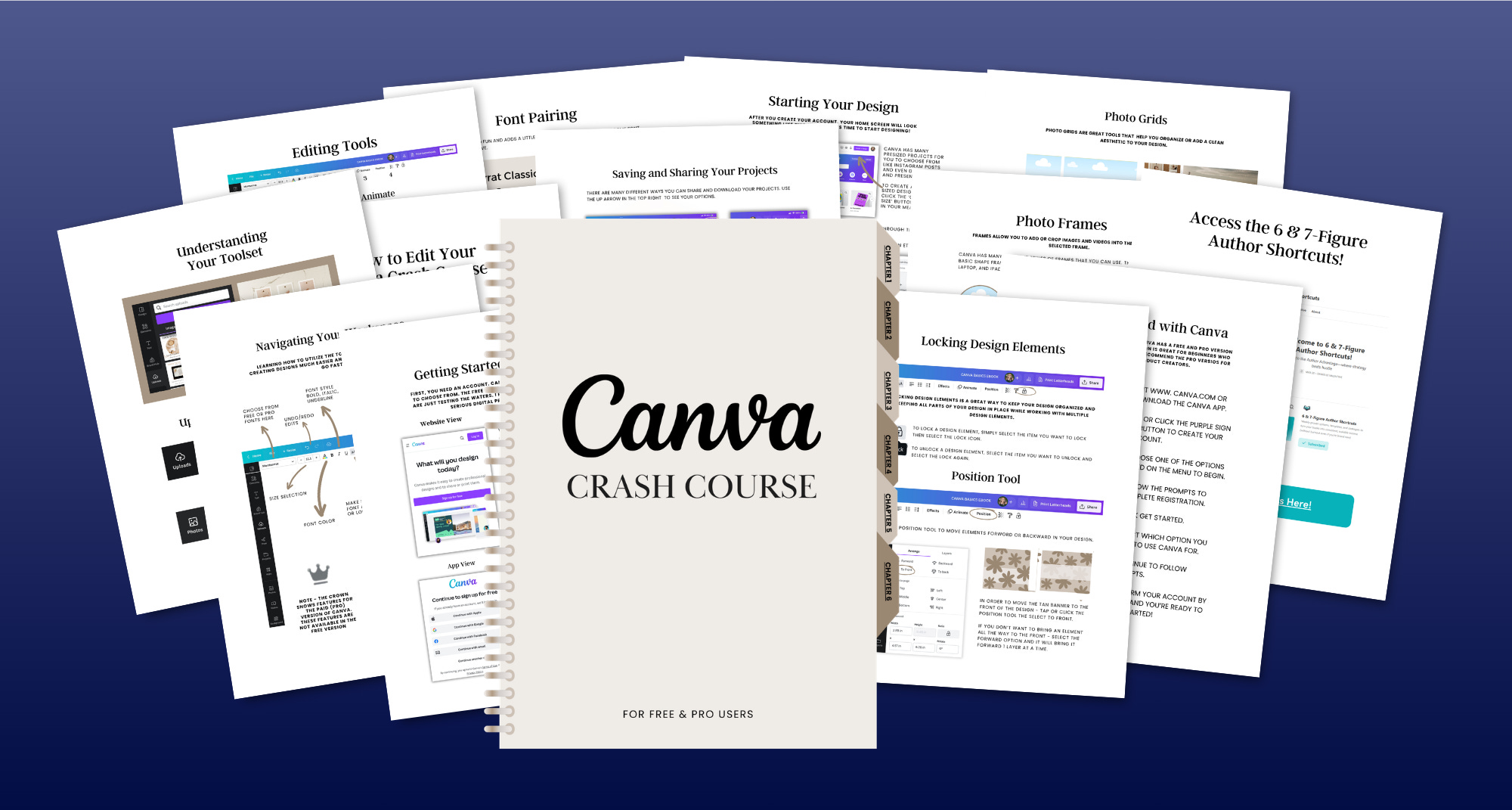
The Canva for Authors Mini Course is your shortcut to learning how to actually use Canva—so you can start creating professional-looking graphics for your books without feeling overwhelmed.
If you’ve ever opened Canva and thought “where do I even start?”… this is for you.
Instead of clicking around, wasting time, or avoiding design altogether, this mini course walks you through exactly how to use the platform—so you can confidently create graphics for your book marketing, even if you’ve never designed anything before.
Here’s everything you’ll find inside the Canva for Authors Mini Course:
Canva Walkthrough (Start to Finish).
A beginner-friendly tour of the platform—where everything is, what it does, and how to navigate Canva without confusion.
How to Create Your First Design.
Step-by-step guidance on starting a design, choosing the right size, and building your first graphic from scratch or from a template.
Templates vs. Custom Designs.
When to use Canva templates, how to customize them, and how to make them look like your brand.
Essential Tools & Features.
Text, images, elements, uploads, colors, and layouts—explained simply so you know exactly what to click and why.
Graphics Authors Actually Need.
Easily use what you learn to create:
Social media posts (Facebook, Instagram, TikTok slides)
Simple ad graphics
Email newsletter visuals
Promo images for your books
Saving, Downloading, and Reusing Designs.
How to export your graphics correctly and reuse designs so you don’t have to start over every time.
Simple Branding Basics.
How to pick fonts and colors that make your graphics look clean, cohesive, and professional.
Whether you’re starting from zero or you’ve opened Canva a few times and felt completely lost, this is the easiest way to get comfortable with the tool and start creating your own book marketing graphics.
And instead of trying to figure everything out on your own, this mini course shows you exactly what you need (and what you don’t)—so you can skip the overwhelm and start designing right away.
So, ready to finally feel confident using Canva?
If you want a simple, beginner-friendly way to start creating graphics for your books, your content, and your marketing… we’d love to have you.
Here’s the Link: